Click the Talents tab, or type /rs talents.
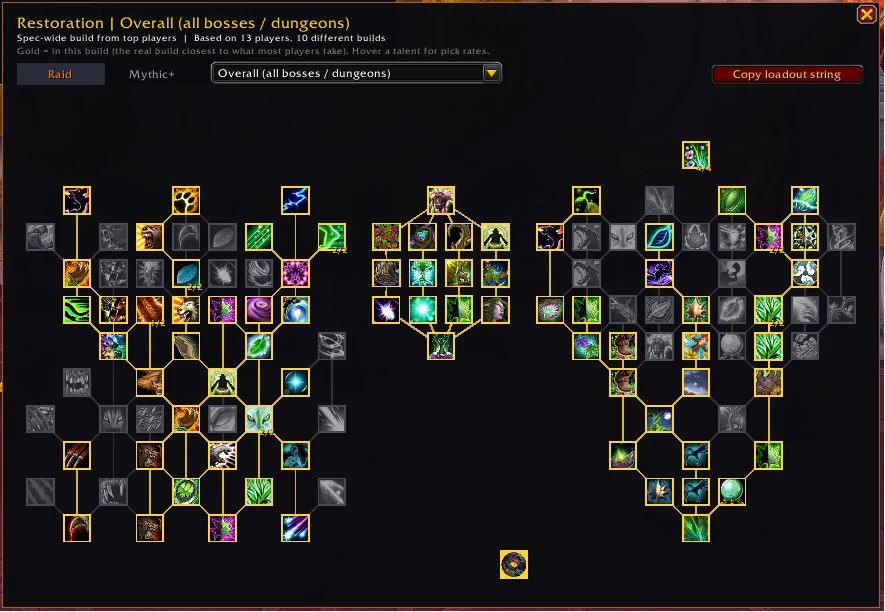
- Choose Raid or Mythic+ at the top.
- Pick Overall for your spec's general build, or a specific boss or dungeon from the dropdown.
- Hover any talent to see how many top players take it. Choice talents show the split for each option.
- Press Copy loadout string, then paste it into the game's talent Import to use the build.
How builds are chosen
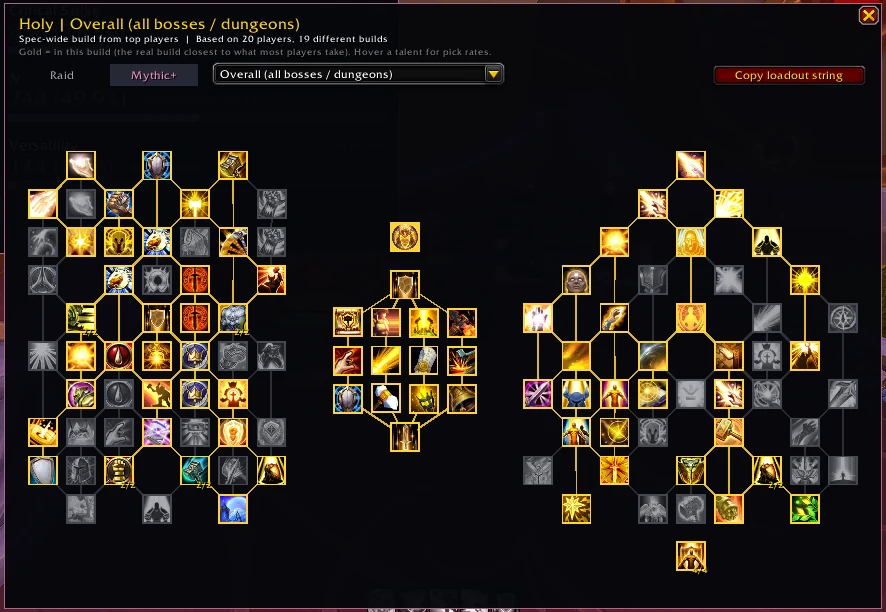
- The highlighted build is a real player's build: the one that agrees most with what the group takes. That way it's always valid and importable.
- Not enough data for a boss or dungeon? You see the overall build instead, marked "(overall build)" in the dropdown. Raid bosses fall back from Mythic to Heroic to Normal kills first.
- Raid and Mythic+ never stand in for each other, since they're built for different things.
Didn't find your answer?
Ask in the CtrlShiftZed Discord. Questions there help make this wiki better for everyone.
