
Built-in skins
| Skin | Looks |
|---|---|
| Default | Rounded, with item level badges |
| Minimal | Flat and see-through, with a compact toolbar |
| Classic | Textured bars and outlined text |
Pick one on the Window page of the options.
Your own skin
Change any look setting (colours, bars, fonts, row size) and a custom copy of the skin is saved for you, named after the one you started from. The built-in skins never change, so you can always go back.
On the Skins page you can also save the current look as a new skin with your own name, or delete one. Windows wearing a deleted skin go back to Default.
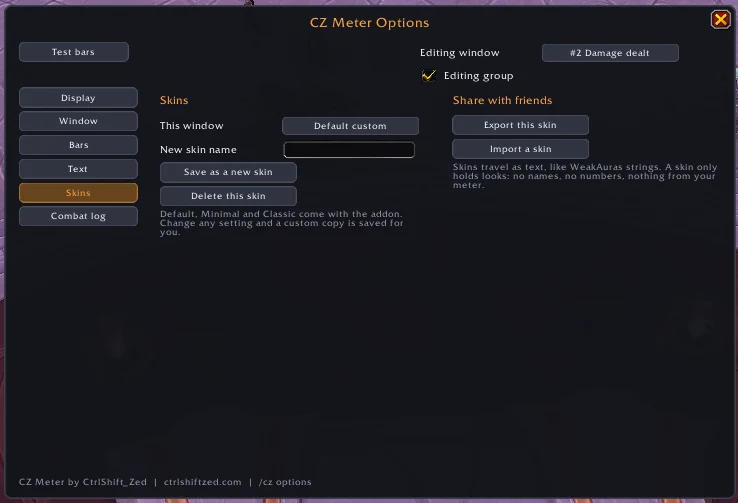
Sharing
- On the Skins page, pick the skin and click Export.
- Copy the text and send it to a friend.
- They click Import, paste it in, and the skin is added to their list.
A skin only holds looks: no names, no numbers and nothing from your meter.
Didn't find your answer?
Ask in the CtrlShiftZed Discord. Questions there help make this wiki better for everyone.